
Apple TV Remote Not Working– Apple TV is a leading streaming device, and users can access a lot of content using it. The Apple TV remote is used to navigate the system, turn the volume up or down, and choose content. Nevertheless, users at times find their remotes malfunctioning, and they become unable to operate the Apple TV. The reason behind this could be anything from battery issues to software flaws. This guide will attempt to identify universal causes of remote malfunction and present detailed instructions on resetting it.
Missing the good functioning of your Apple TV remote ruins streaming enjoyment and frustrates you quite a bit. And there you are with dependence on the Apple TV remote only to navigate through the menus, to open apps, or even to control the volume. All may have sources like battery business, Bluetooth disconnection, or system glitches. Of course, there are different Apple TV remote models like the Siri Remote or old aluminium/white versions, which have different troubleshooting approaches for each one of them. However, one must understand how the remote fails and what to do about it to enjoy entertainment smoothly.
Causes of Apple TV Remote Not Working:
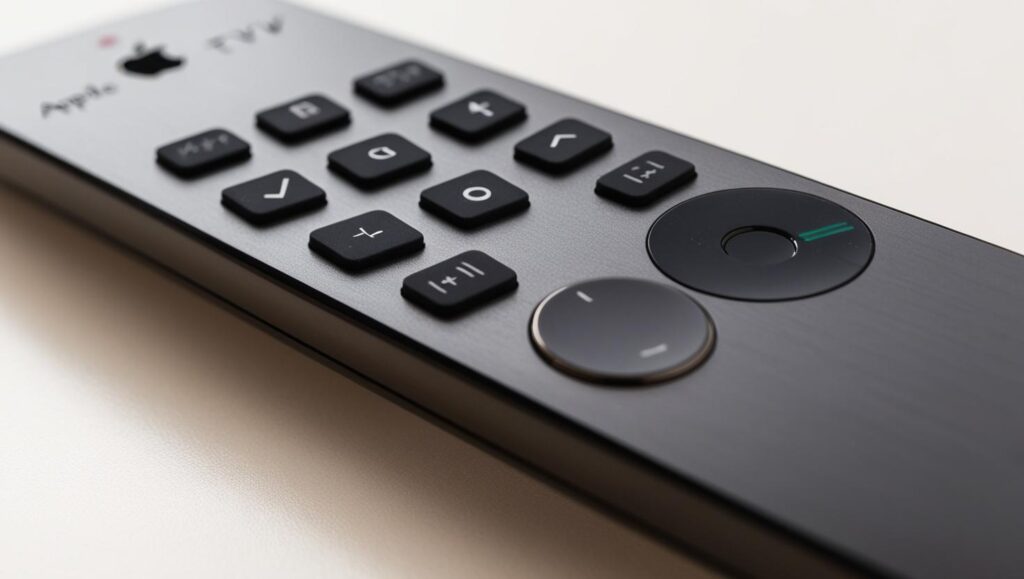
- Battery Problems: Dead or low batteries are the most common reason for an Apple TV remote to become unresponsive.
- Bluetooth Connection: The remote sends signals to the Apple TV through Bluetooth. Weak connection or interference may lead to it not working
- Software Bugs: Software bugs or system updates in the Apple TV may make the remote fail to work as expected.
- Infrared Signal Issues: For remotes that utilise infrared signals on older devices, interference or misalignment may inhibit correct operation.
- Hardware Failure: Physical damage to the remote will result in buttons no longer responding.
- Apple TV Settings: The remote will not function properly if settings have been changed.
- Remote Pairing: The remote can be re-paired with the Apple TV if the Bluetooth link was lost.
How to Reset Apple TV Remote:
Step 1: Unplug Apple TV
- Switch off your Apple TV from the power. Let it wait for approximately 6–10 seconds, and then plug it back in. This reboots the Apple TV system.
Step 2: Charge the Remote
- Plug your Siri Remote into a Lightning to USB cable and charge it for at least 30 minutes to rule out battery as the problem.
Step 3: Reset and Re-pair Remote
- Hold the Back (◀) and TV/Control Centre buttons simultaneously.
- Continue holding for around 5 seconds until the Apple TV status light goes out and then comes back on.
- Wait for Connection Confirmation
- You will see a message on your TV screen indicating that the remote has successfully paired or reconnected.
Step 4: Reset for Siri Remote (1st Gen)
- Press and hold the Menu and Volume Up (+) buttons simultaneously.
- Hold them for around 5 seconds.
- Put the remote on top of the Apple TV device to make the pairing signal stronger.
- Reset Apple Remote (Aluminium or White)
- Press and hold the Menu and Right Arrow (→) buttons simultaneously for 6 seconds.
- Wait for a message on your screen to appear verifying remote pairing.
- If it doesn’t, attempt battery removal and re-addition, then redo the pairing.
Here are easy one-line solutions for every Apple TV remote problem:
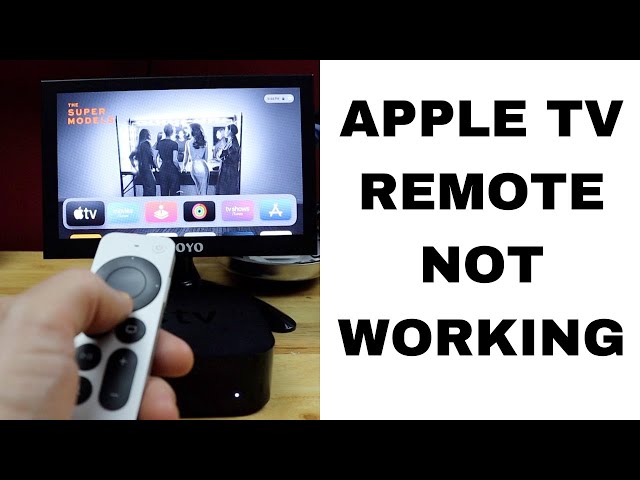
- Apple TV remote volume not working— Try to see if your remote is paired and the TV volume control is configured properly in settings.
- Apple TV not working—Unplug Apple TV and plug it back in to reboot it.
- Volume not working on Apple TV remote— Ensure the remote is charged and configured to control your TV volume under settings.
- Volume on Apple TV remote is not working— Verify that HDMI-CEC is turned on in your TV and the remote is connected.
- Apple TV sound is not working— Verify the volume level, the TV is not muted, and the right audio output is set within the settings.
FAQ :
Q1: Why is my Apple TV app not working?
Ans: Your Apple TV app might not be working due to a poor internet connection, an outdated app, or a temporary glitch.
Q2: How many devices does Apple TV have?
Ans: Apple has released six generations of Apple TV devices since its launch in 2007.


Leave a Reply